IOS

Android

IOS
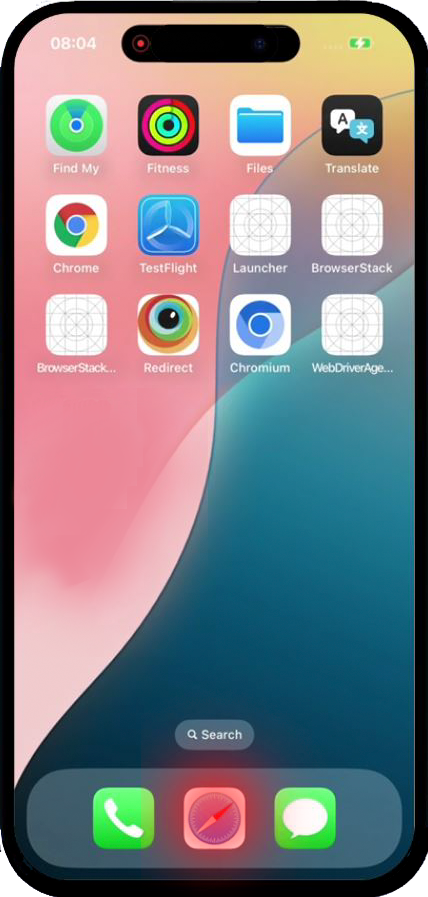
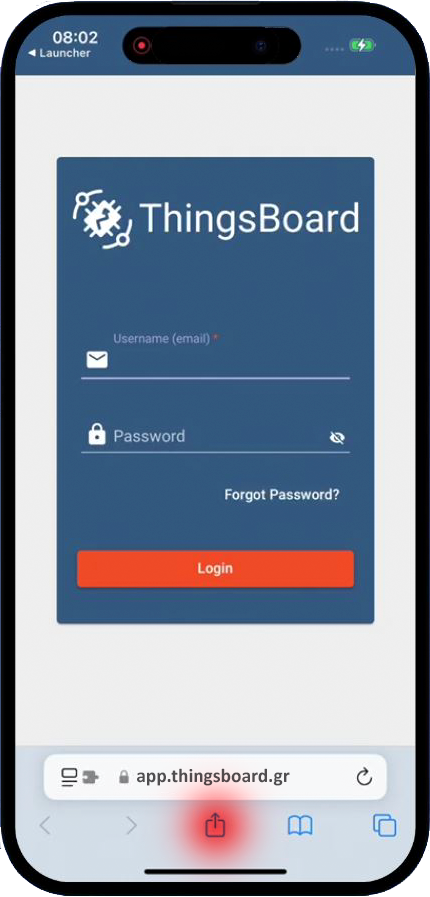
- Open Safari or Chrome on your IOS device.
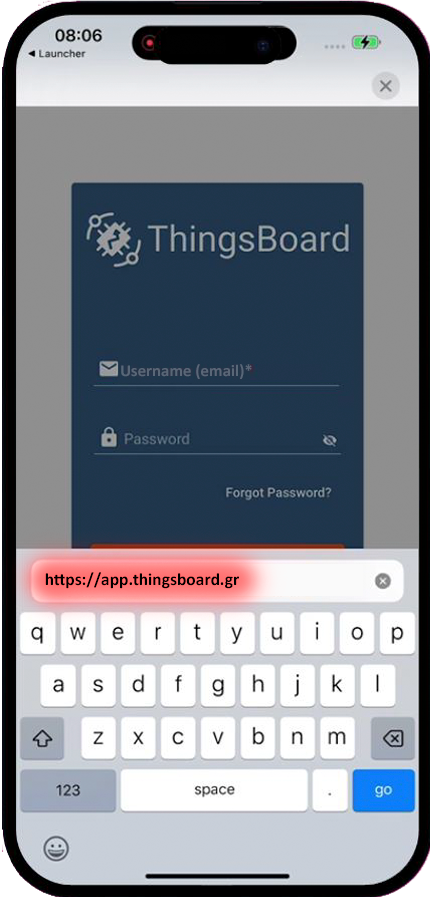
- Navigate to the website https://app.thingsboard.gr
- Click the Share
 icon.
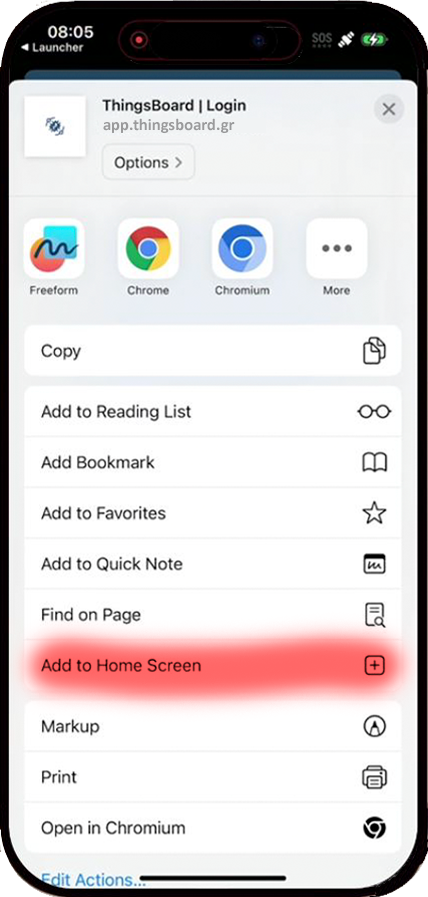
icon. - Select Add to home screen.
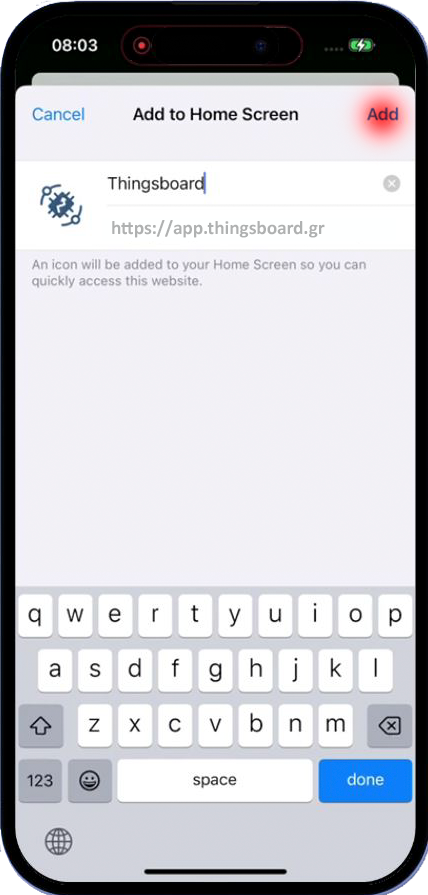
- Tap Add to confirm.
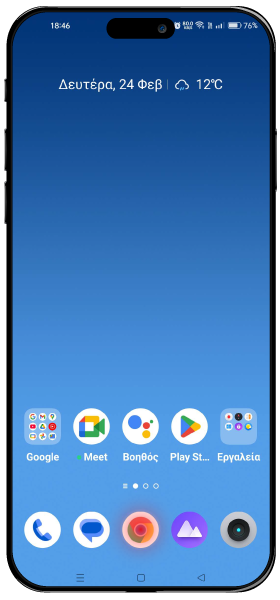
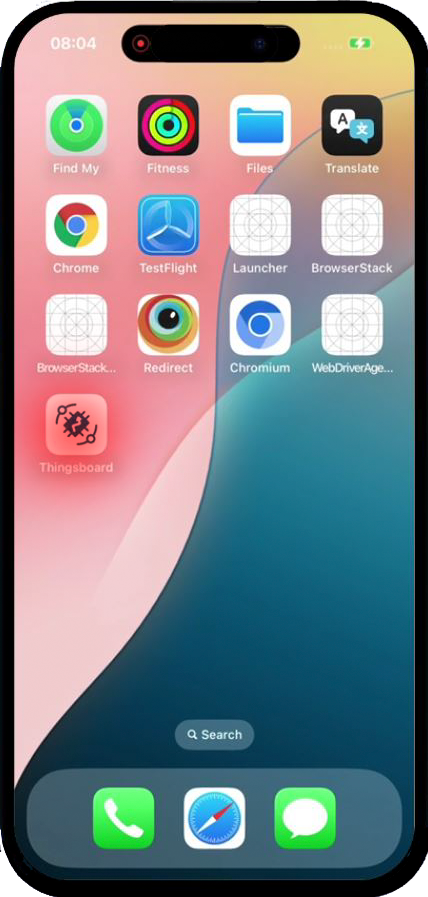
- Find the web app on your Home Screen and tap the icon to open it.
Android
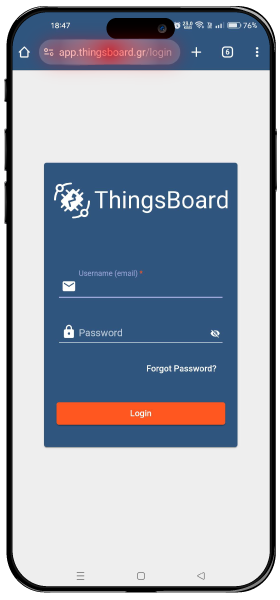
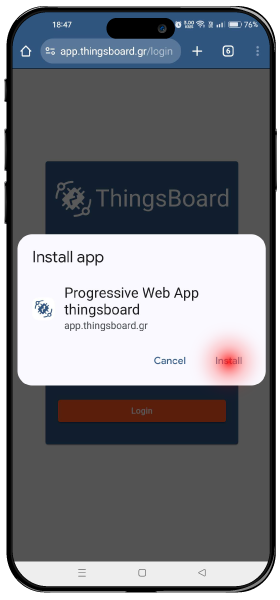
- On your Android device, open Chrome
.
- Navigate to the website https://app.thingsboard.gr
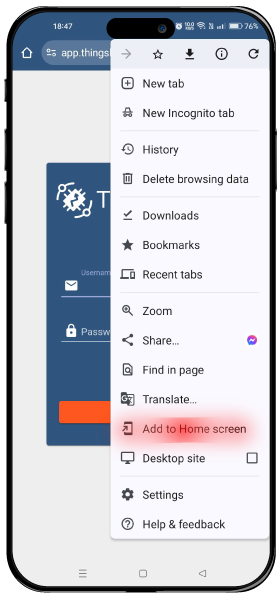
- On the right of the address bar, tap More
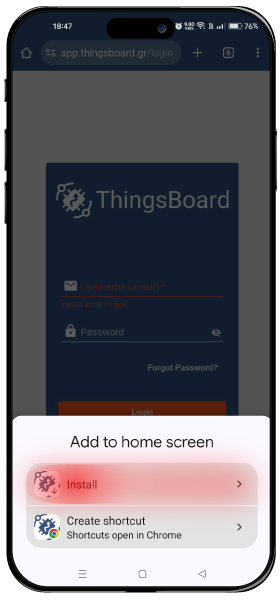
Add to home screen
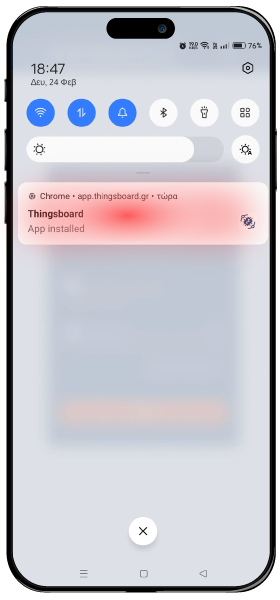
- Follow the on-screen instructions.